Instructions
Completion requirements
Upload your film
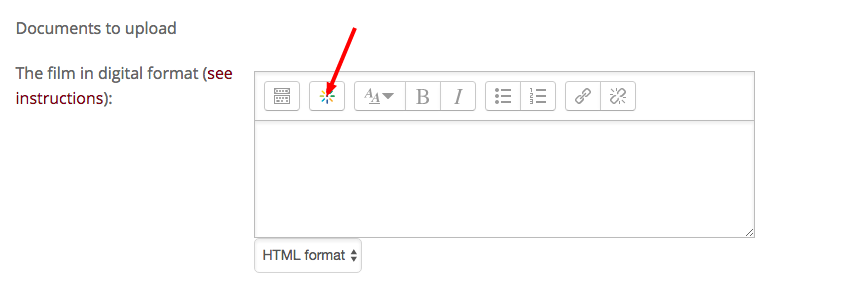
To upload your video click on the "Kaltura" button
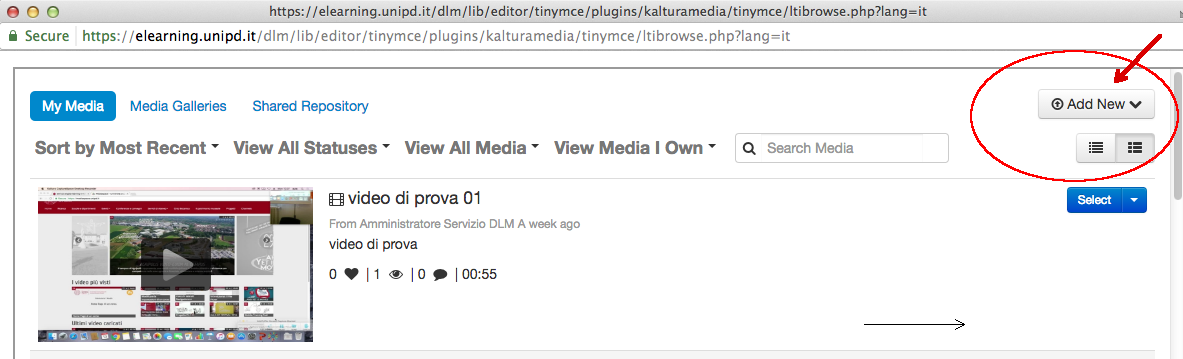
Click on "Add New" in the new opened window
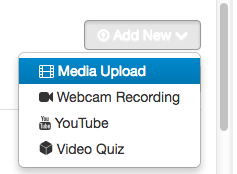
Then, on "Media Upload"
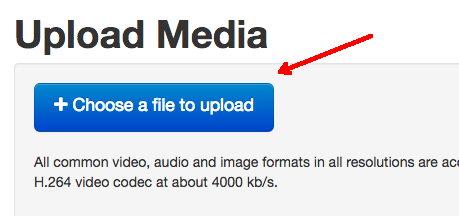
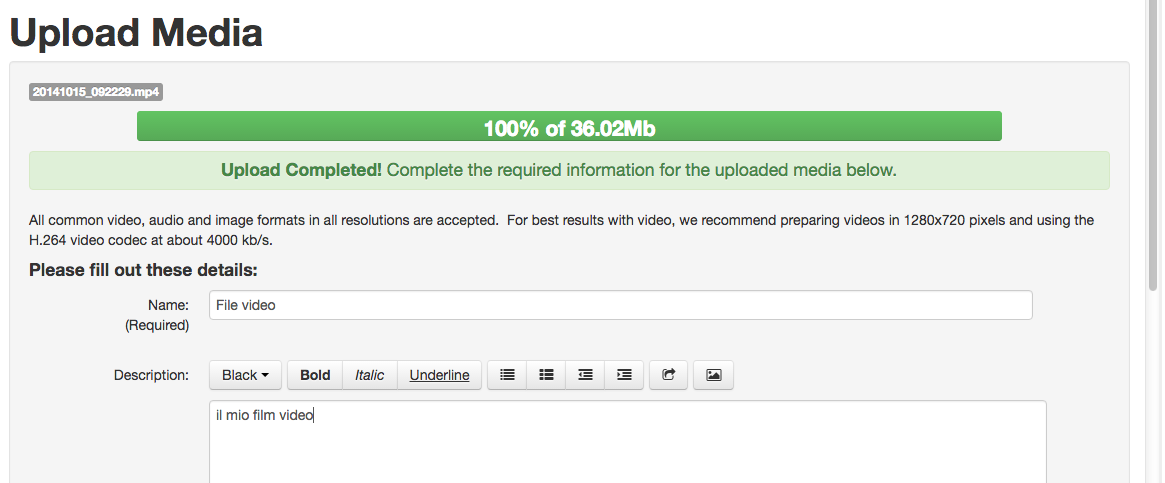
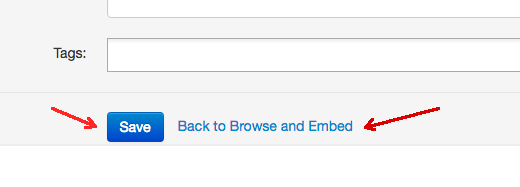
After selecting and uploading your video, click on "Save" on the bottom of the "Upload Media" page and then on "Back to Browse and Embed"
Now you can include your video into the form, by using "Select" (Large, Medium or Small format).

Click on "Embed Media"

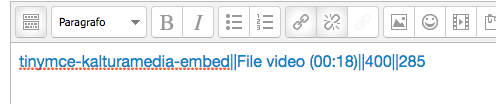
You will see this code in the editor; it means that your video has been embedded
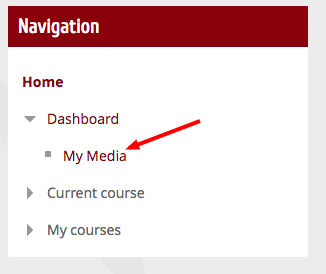
You can find your video and potentially change it; check out the operating system from the sidebar menu Navigation> Dashboard> My Media